
A BETTER INSPECTOR / INDUSTRIAL TRAINING
Bringing
Experience
Forward
Practice inspection scenarios before you encounter them in the field. Explore immersive training and inspection tools that give inspectors access to more conditions earlier in their careers.
For inspectors, instructors, and the teams developing them.

ACTUAL ABI DEMONSTRATION / IN THE HEADSET AND IN THE ROOM
WHY WE BUILD
Experience takes time.
Exposure can start sooner.
Some damage conditions are rare. Large equipment is difficult to bring into a classroom. The right inspection, instructor, and trainee do not always come together at the right time.
Simulation gives instructors another way to introduce those situations, repeat a task, and talk through the decisions behind an inspection. It adds practice alongside classroom learning and on-the-job training.
THE PRODUCTS
Built around the work inspectors do.
Explore the inspection experience, the growing training library, and tools you can carry into your day.
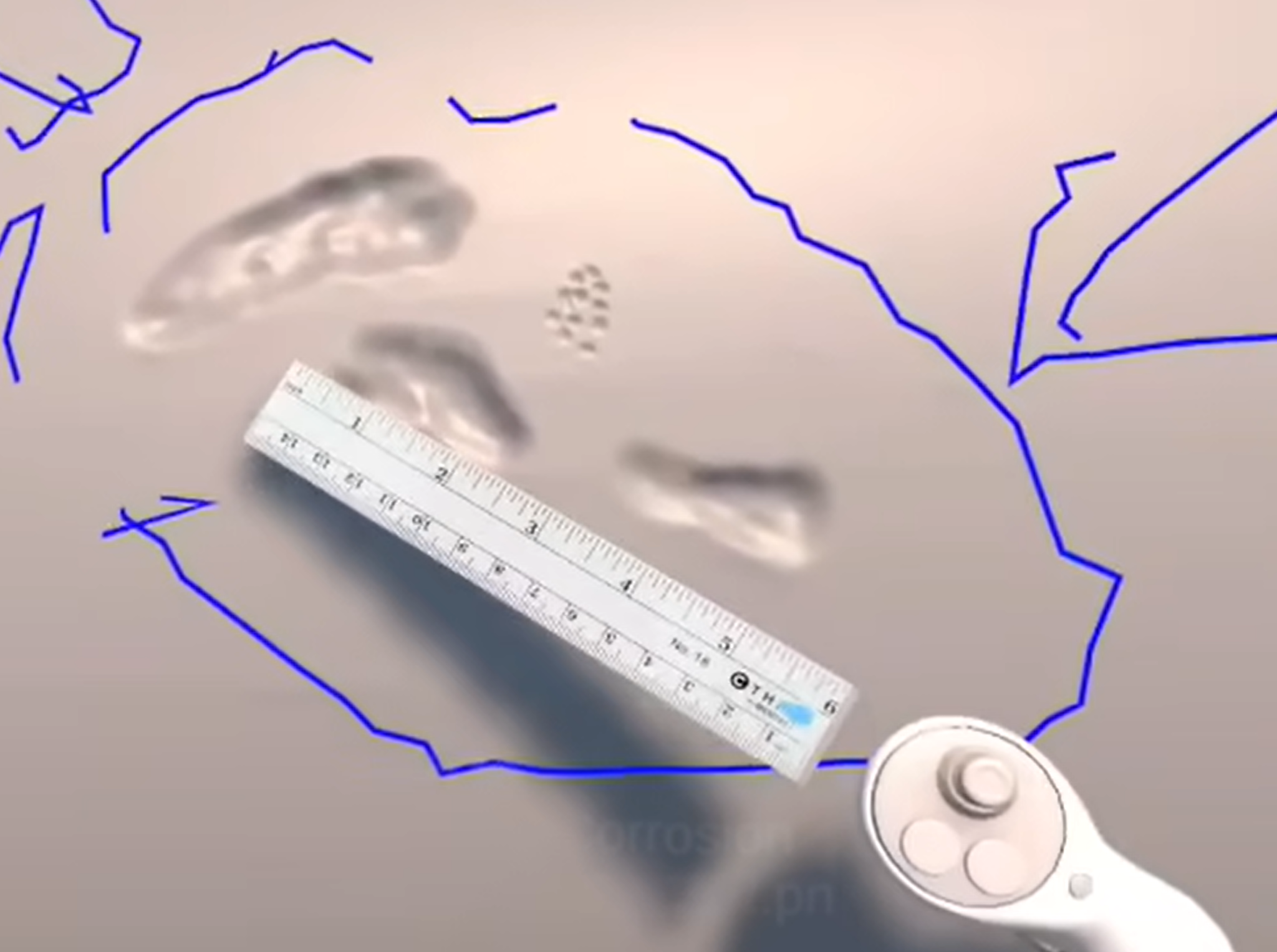
01 / API PRACTICALS
Put inspection knowledge into practice.
Explore virtual equipment, examine damage conditions, and work through where to inspect and which tools to use. The demonstration shows interactive tools and measurable damage in a mixed-reality environment.
Why it matters: Learners can discuss an inspection decision while standing in front of the same scenario.
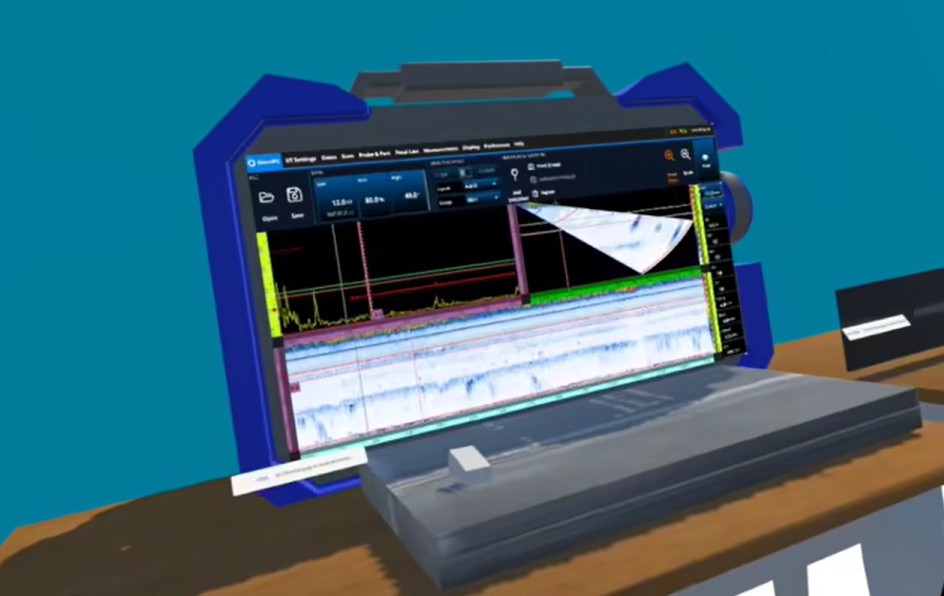
02 / NDT TRAINING IN DEVELOPMENT
A growing library of inspection scenarios.
Our development work spans radiation safety, radiography, ultrasonic testing, MT/PT, and PMI/VT. Explore examples of how inspection methods can become interactive training tasks.
Why it matters: Repeatable scenarios give instructors a shared starting point for practice and discussion.
Contact ABI for current module availability and supported equipment.
03 / ABI MOBILE APP
Tools beyond the headset.
Explore the A Better Inspector mobile app for study resources and field tools. It complements the immersive training experience with resources you can carry with you.
SEE IT IN ACTION
Real demonstrations.
Different ways to learn.
Explore the inspection tools and training environments. The additional demonstration videos open in a new tab.
INSIDE ABI VR / PRESSURE-VESSEL INSPECTION
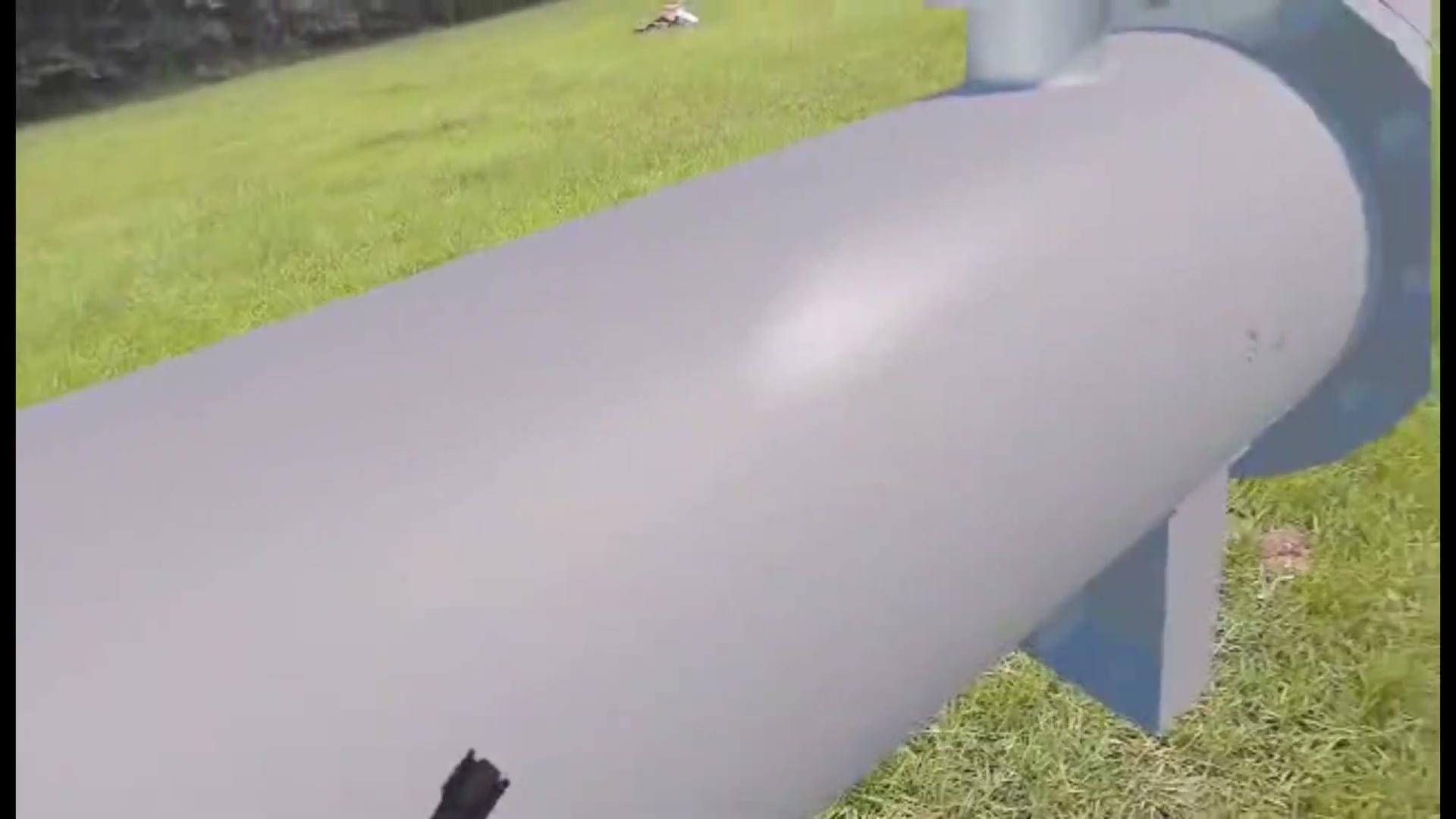
API inspection in mixed reality
Inspect digital equipment while keeping the physical environment in view. Explore tools and simulated damage.
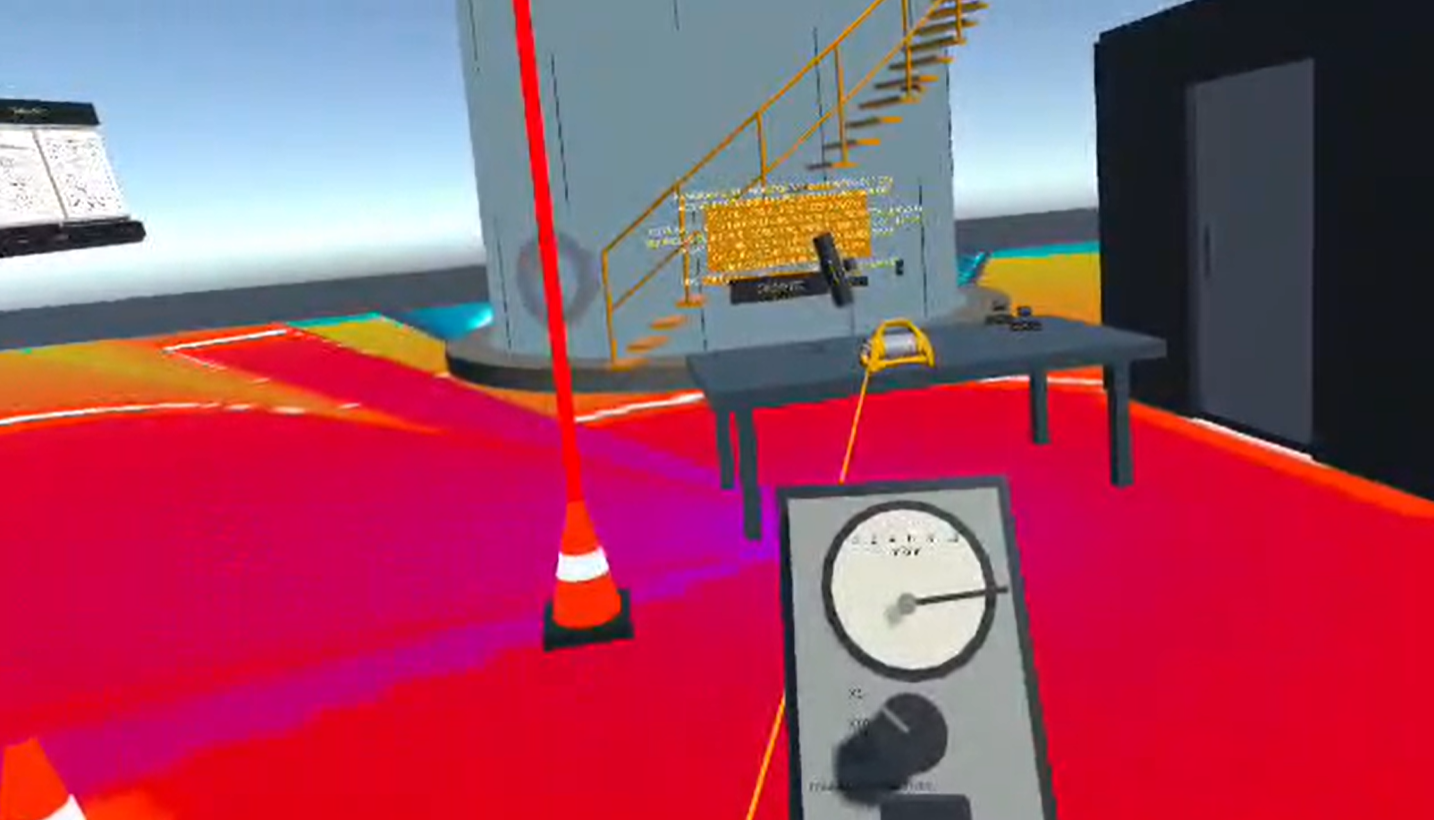
Radiation safety made visible
Explore a training demonstration of distance, shielding, and radiation fields.
Training together
See the headset experience alongside a mirrored view that supports demonstration and discussion.
THE ROLE OF SIMULATION
More practice.
With instructors and field experience.
OJT builds judgment through real equipment, access conditions, and responsibilities. Simulation supports that process by giving learners additional exposure before the next field opportunity.
Instructors can use a shared scenario to demonstrate a technique, ask why a choice was made, and repeat the exercise. ABI is also exploring shared virtual environments for mentoring at a distance.
Experiences can use physical movement and mixed-reality views. Comfort varies by person and scenario; passthrough does not guarantee a discomfort-free session.
PROJECTS & UPDATES
Follow the work as it develops.
Follow our training projects, product development, and new experiences.
-
Hello World!
Welcome to WordPress! This is your first post. Edit or delete it to take the first step in your blogging journey.
-
A Better Inspector
Thank you for visiting. This site is intended to house all our inspection training, and help keep track of you OJT, CDP requirements, and…
ACCESS YOUR TRAINING
Your training dashboard
Your training dashboard brings your access code, expiration details, and APK download together.
01 / ACCOUNT
Sign in. Get your code.
Create an account or log in, then follow the dashboard steps to obtain your training access code.
02 / INSTALL
Download the training APK.
Use the APK download and installation instructions in your dashboard for your supported headset.
03 / TRAIN
Enter your code. Step inside.
Launch ABI VR and enter your training activation code. Your dashboard shows when your access expires.
FOR INSTRUCTORS & TEAMS
What would you like
your inspectors to practice?
Talk with us about the scenarios, equipment, and training needs that matter to your team.